Products
BEST mechanical locks are engineered with BEST original interchangeable cores for the protection and security you need. Choose from a broad selection of styles, finishes, functions and types including cylindrical, mortise and tubular deadbolt locks.
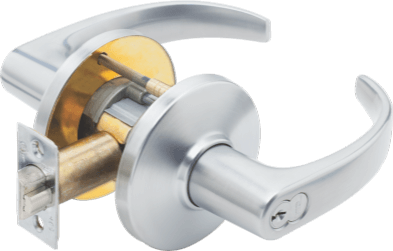
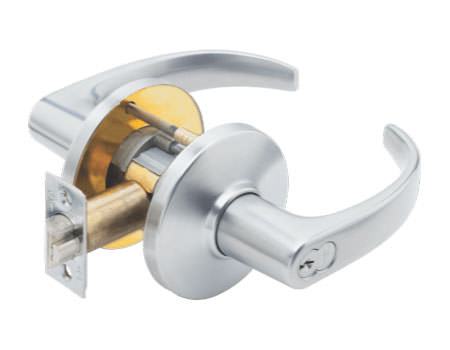
9K Cylindrical Series
View- Compatible with most brands of interchangeable cores
- Easy installation and upgrading



 +
+
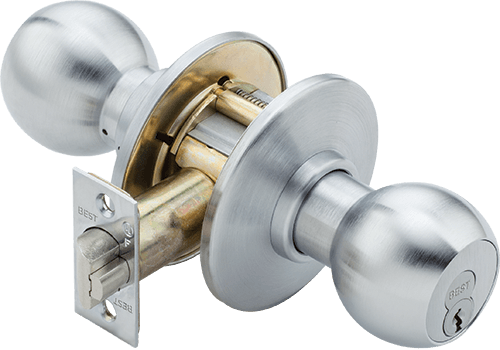
8K Cylindrical Series
View- Fast, efficient rekeying with BEST original interchangeable cores
- Ideal for government applications
 +
+
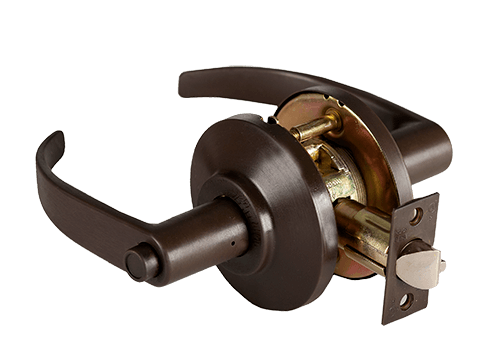
7KC Cylindrical Series
View- Grade 2 cylindrical lever set
- Popular choice for offices, dorms and military bases
+
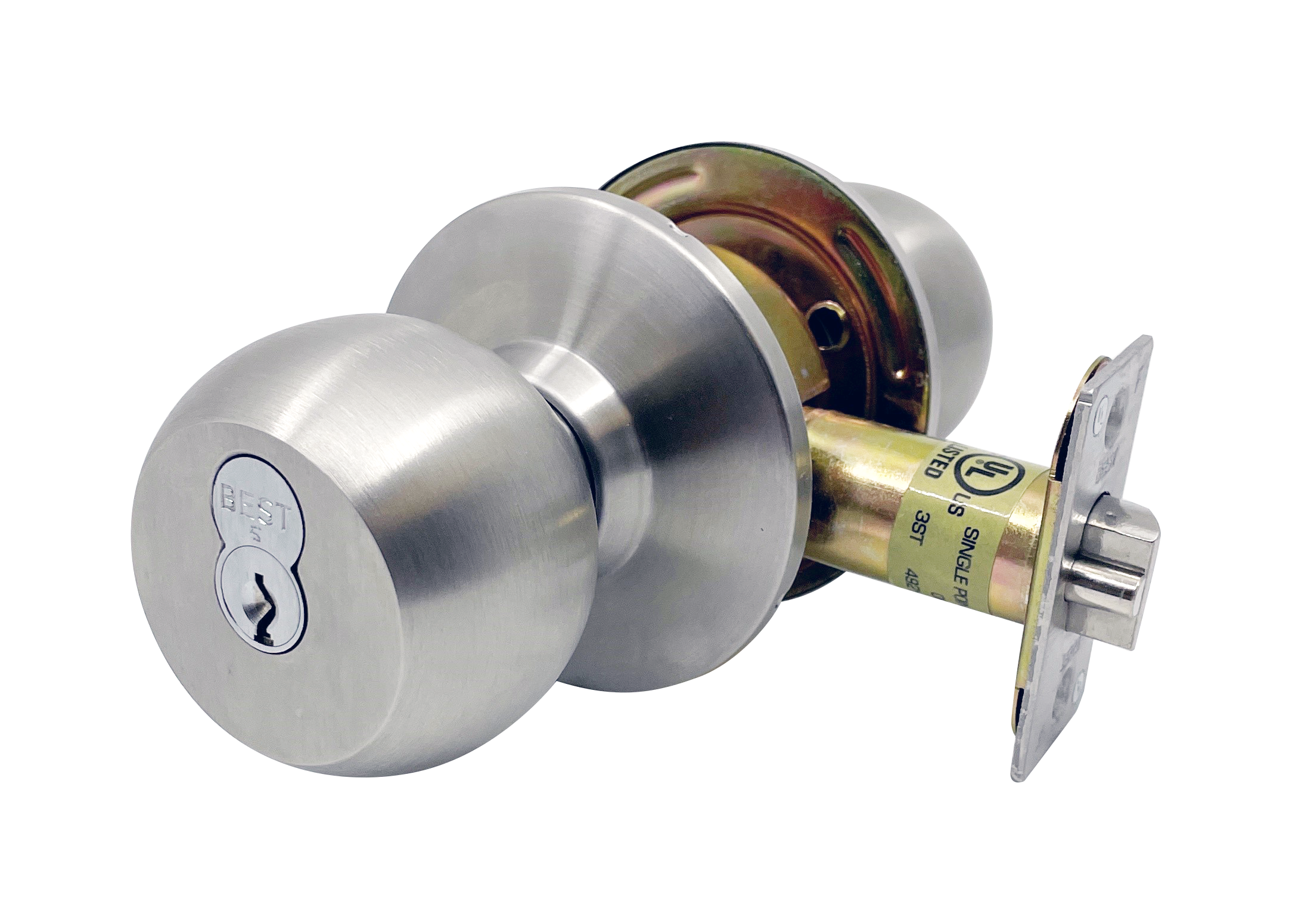
6K Cylindrical Series
View- Grade 2 medium-duty cylindrical knob set
- Commonly used for non-ADA compliant applications
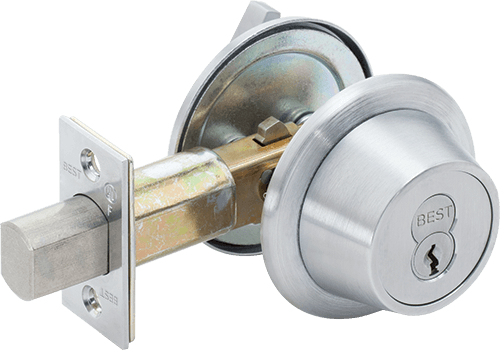
T Deadbolt Series
View- Made to fit standard door preps
- Made with premium materials that provide corrosion resistance and durability
+
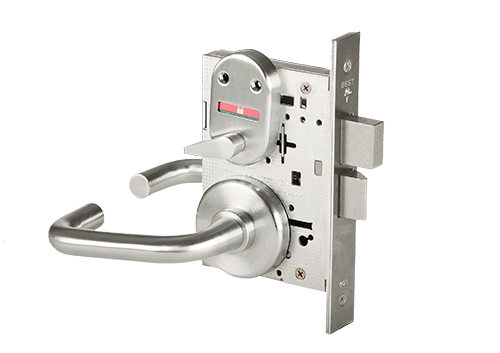
40H Mortise Series
View- The toughest mechanical security for your building
- Commonly used in commercial or industrial settings
+
BEST’s combinating and keying systems help distributors provide keys and cores that work together seamlessly. This ensures the security and integrity of every opening while offering easy maintenance and management throughout deployment.

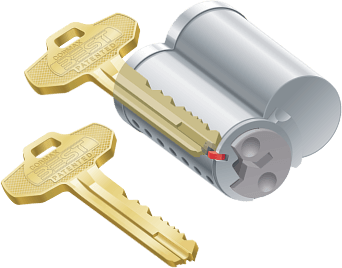
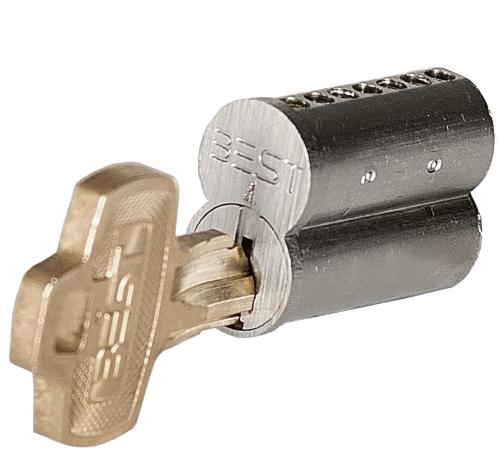
Premium Core
View- Same high-quality manufacturing as patented system
- Durability made for a wide range of applications
+
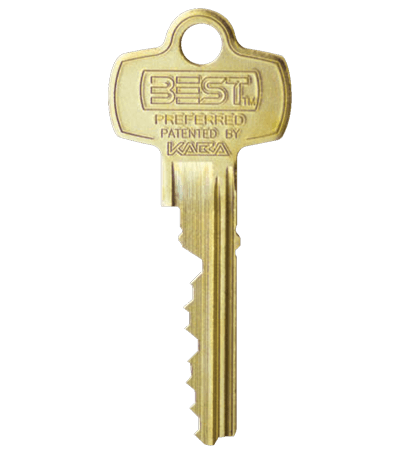
Preferred Keys
View- Adaptable and cost-effective patented key system
- Compatible with BEST and competitor locks
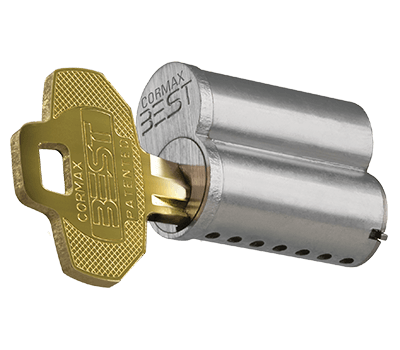
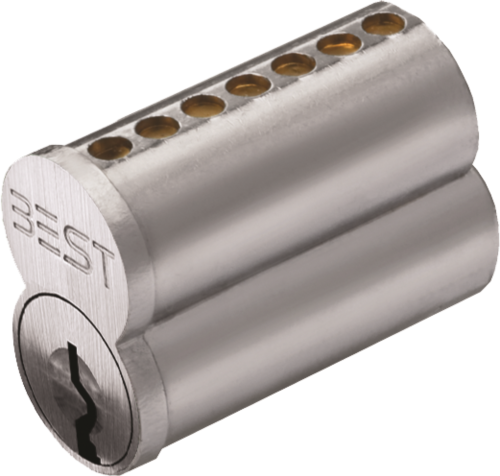
Standard Core
View- Same high-quality manufacturing as patented system
- Durability made for a wide range of applications
+
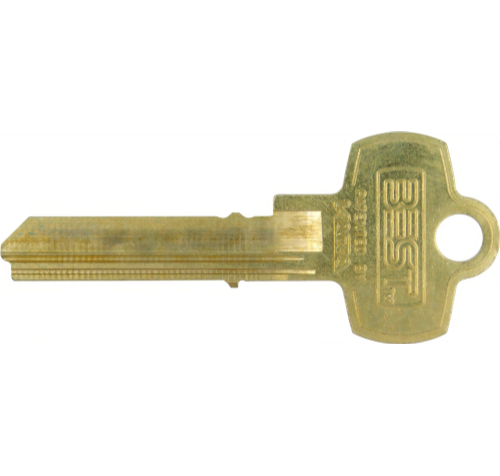
Peaks Keys
View- Adaptable and cost-effective patented key system
- Compatible with BEST and competitor locks
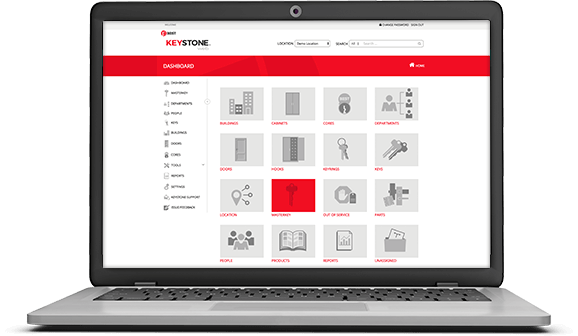
Keystone Web
View- Ensures the security and integrity of each opening
- Manageable across multiple buildings
BEST electromechanical locks combine traditional mechanical locks with innovative electronics for greater flexibility and security. Get the ability to control your access system with ease and peace of mind.

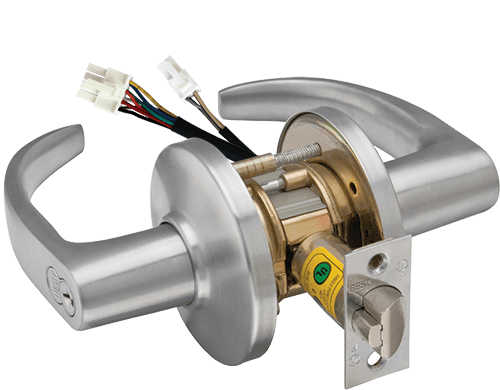
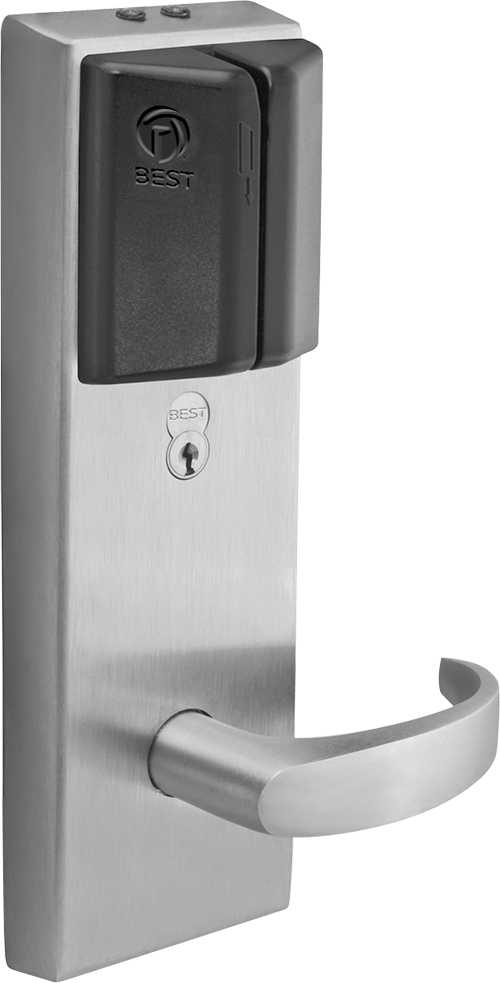
IDH MAX
View- All-in-one, single-installation solution for electrified access equipment
- Available as a cylindrical or mortise lock
+
Wired Mechanical Locks
View- Lock and unlock doors from a remote location
- Fail-safe and fail-secure operations
+
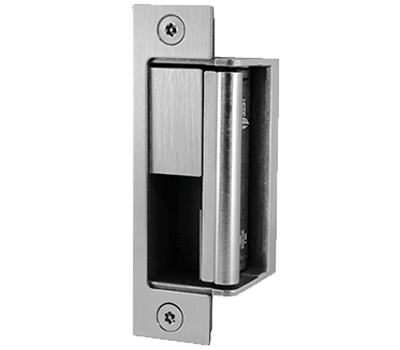
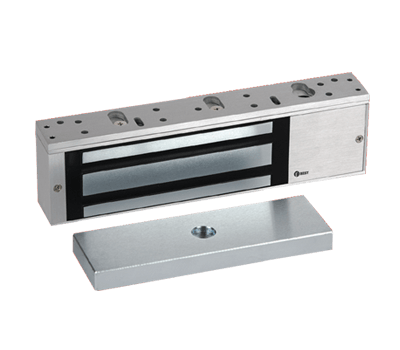
BEST standalone and offline electronic door locks provide a quick and easy access control solution without the complexity of a networked system. Get the security, efficiency and convenience of electronic access control designed to meet basic and multi-level high security requirements.
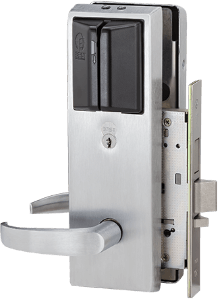
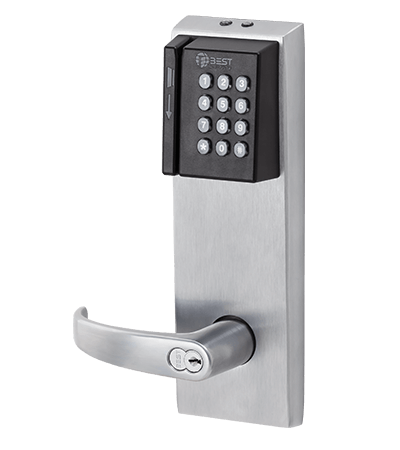
G Series Offline Lock
View- Heavy-duty design for residence hall applications
- Works with Keyscan Aurora and Lenel OnGuard software
+
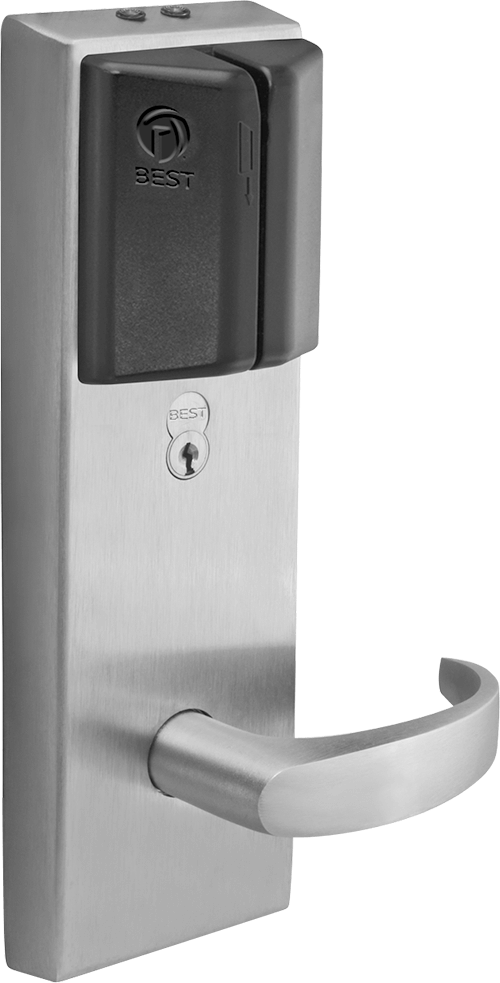
V Series Offline Lock
View- Programmable access and history storage
- Works with Keyscan Aurora and Lenel OnGuard software
+
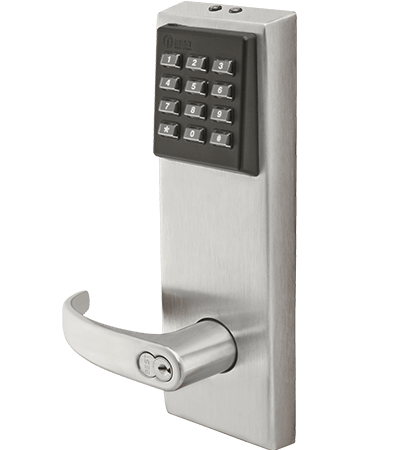
EZ Series
View- Standalone electronic keypad
- Variable pin (3-6 digits), programmable up to 50 users
+
BEST wireless locks provide both convenience and control for higher education, K-12, healthcare and government applications. Secure your campus or facility heightened access control and responsive lockdown features.
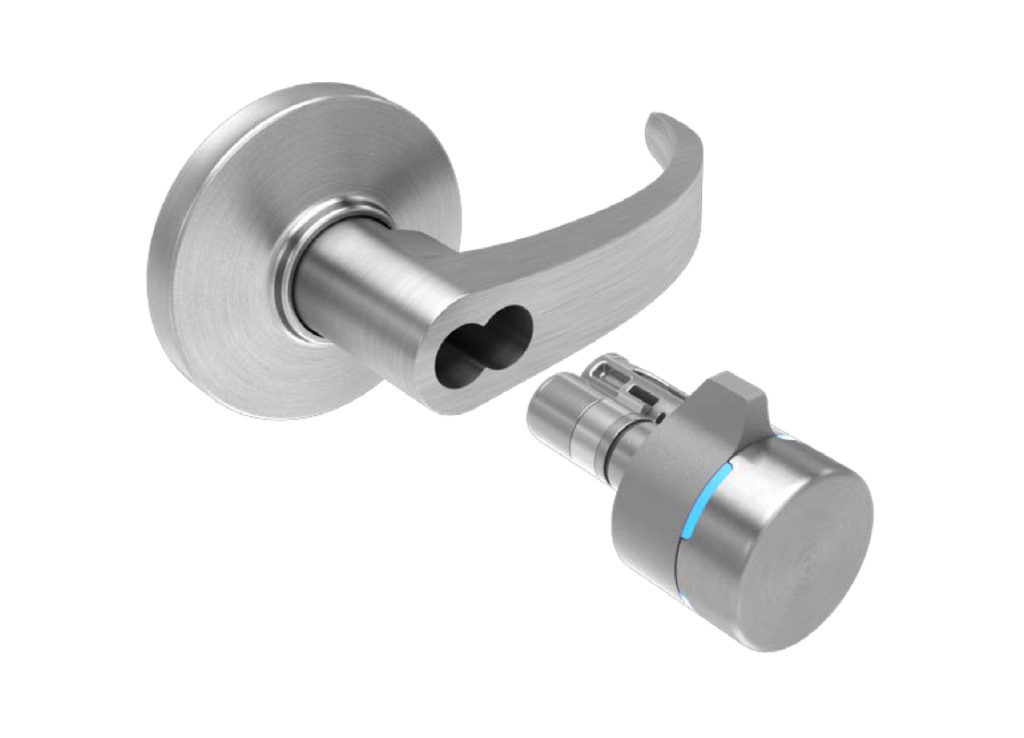
Switch™ Tech
View- Affordable access control with seamless integration
- Mitigate the risk of temporary keys
 +
+
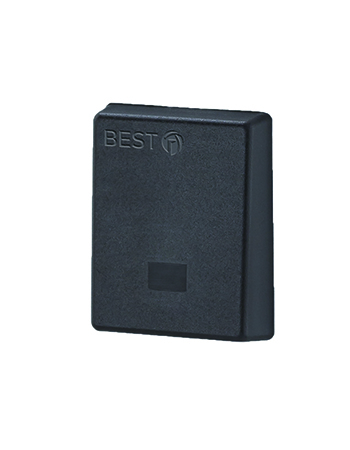
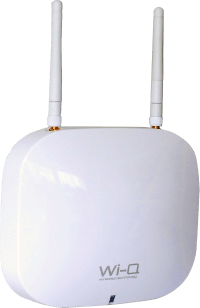
Wi-Q
View- Powerful, integrated access control system
- Manage thousands of credentials from a centralized platform
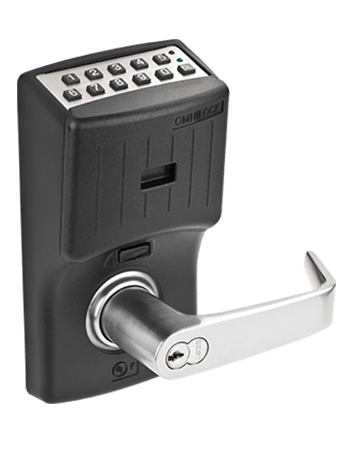
OMNILOCK
View- Fast network access solution compatible with most BEST locks
- All information stored in-lock for guaranteed access
BEST behavioral health products help institutions focused on at-risk individuals achieve the delicate balance of security and safety. Empower caregivers with our most effective door locks, alarms and safety hardware.
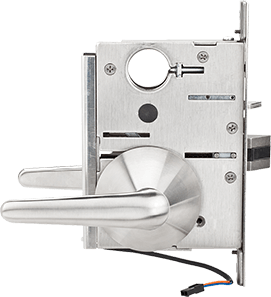
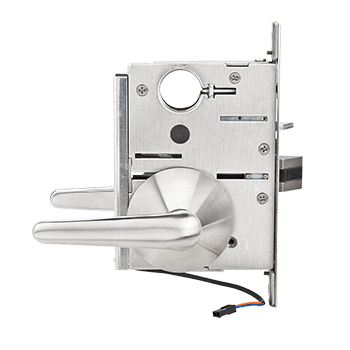
Secure Patient Safety Electrified (SPSE) Lock
View- Electrified mortise lock with push button and card access
- Available in four different fail-safe/fail-secure configurations
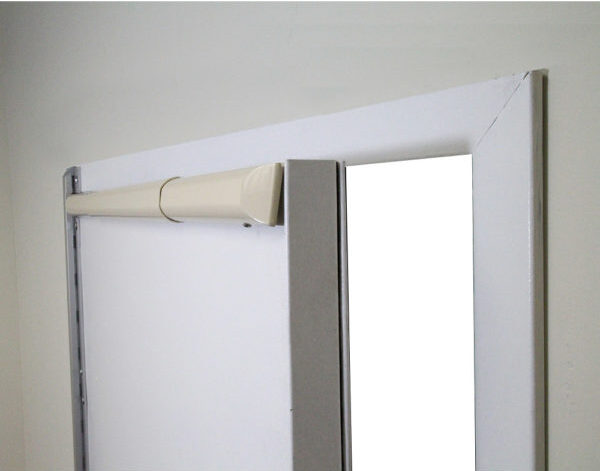
Secure Emergency Door Alarm (SEDA)
View- Maintains the delicate balance between patient safety and security
- Features patent-pending full-width door sensor bars
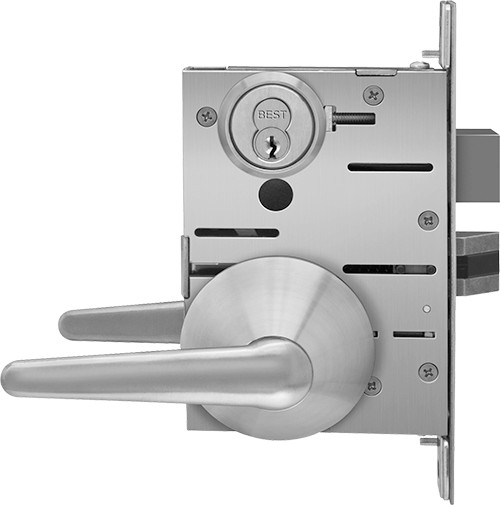
Secure Patient Safety Lever (SPSL)
View- Free-moving bi-directional mortise or cylindrical lock
- ADA-compliant to eliminate “pinch and grasp” motion
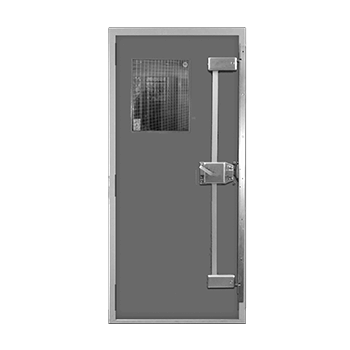
Secure Seclusion Room Lock (SSRL)
View- Single- or multi-point deadlocking device for seclusion/time-out rooms
- No exposed interior hardware
BEST door closers combine durability and advanced technology to ensure proper door function. Protect the security and safety of your building and its occupants with door closers built for a variety of applications.
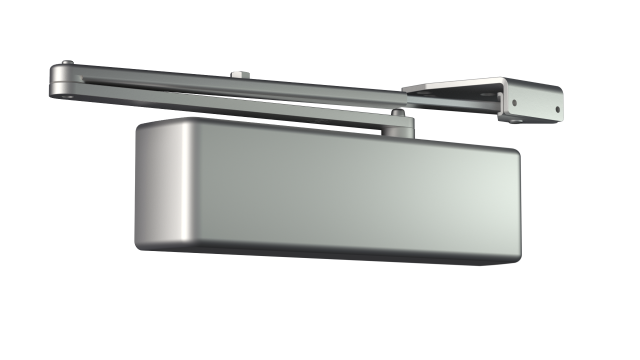
EHD9000 Door Closer
View- Allen head spring power adjustment
- 30+ arm offerings for a variety of applications
- Rugged reliable single piece cast iron construction
- Easy adjustment from the front provides for fast and simple installation



 +
+
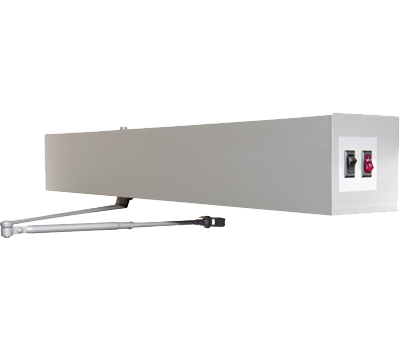
D-4990 Low Energy Operator
View- Free ingress & egress using low energy operator or using door manually
- Door operator acts as standard door closer when entering or exiting manually
- Meets ADA; Complies with ANSI 117.1 section 4.13
- Functions with touch-free or push-plate actuators

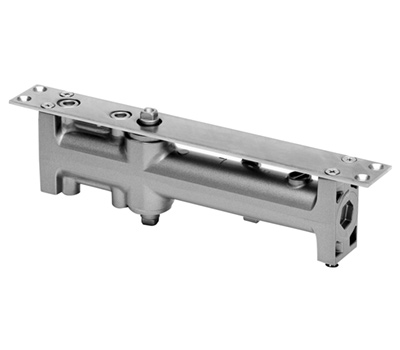
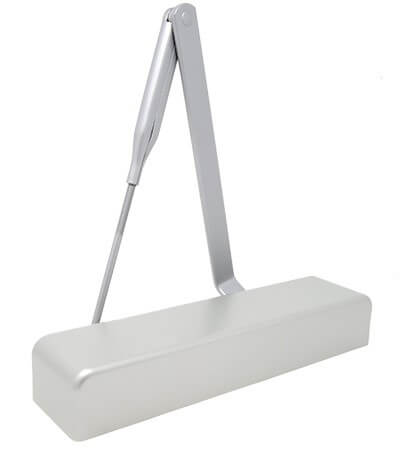
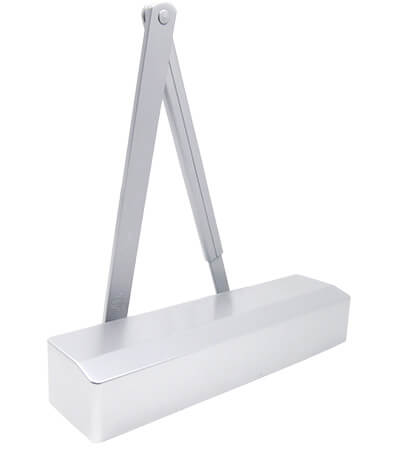
HD7000 Series
View- Made for moderate traffic applications
- Available with over 30 specialty function arms
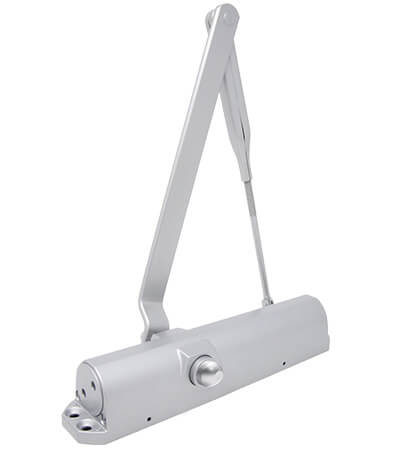
HD8000 Series
View- Made for high traffic applications
- Available with over 30 specialty function arms
SL6000 Series
View- Made for light traffic applications
- Available with over 30 specialty function arms
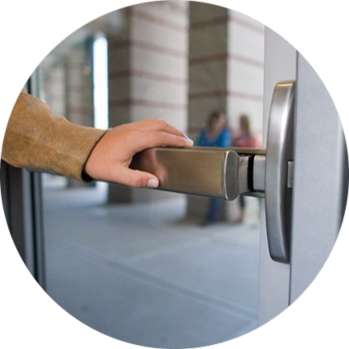
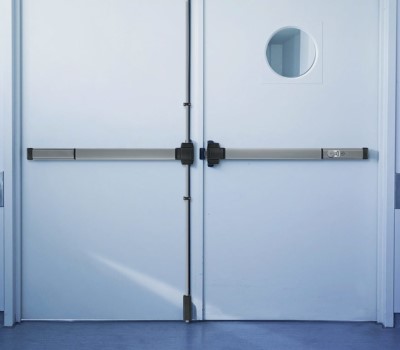
PRECISION panic and fire exit devices are well-known for the strength, durability, performance and reliability they offer—every time. Made from high-quality product BEST PRECISION Hardware has been producing innovative and well-designed door hardware to help you protect the buildings, people and property that are important to you.
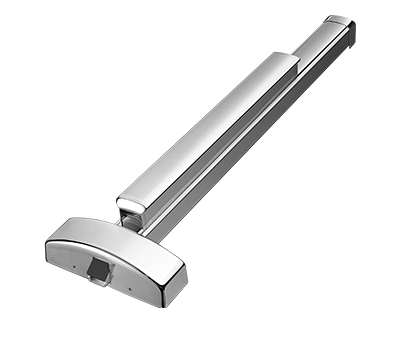
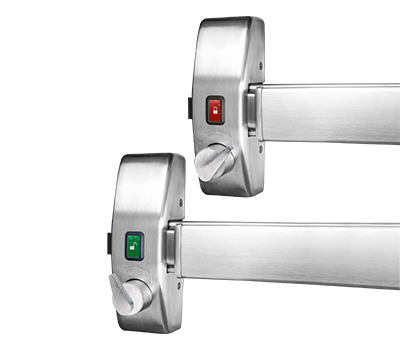
Precision 2110VI
View- Heavy duty exit device
- Code compliant safe egress with fast and efficient security lockdown
- incorporates the ANSI “10” function “Intruder Function” and Visual Status Indicator
+
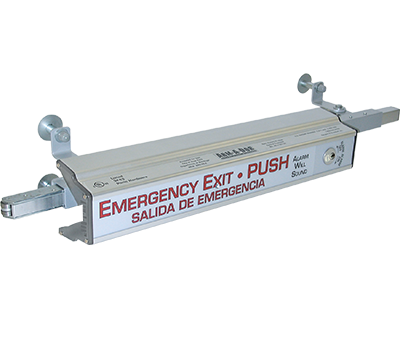
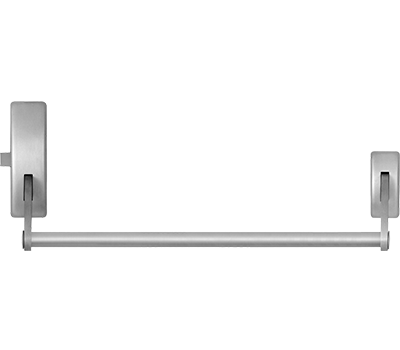
Precision 100/200/300 Series
View- Heavy duty crossbar exit devices
- Rugged strength and rich design
+
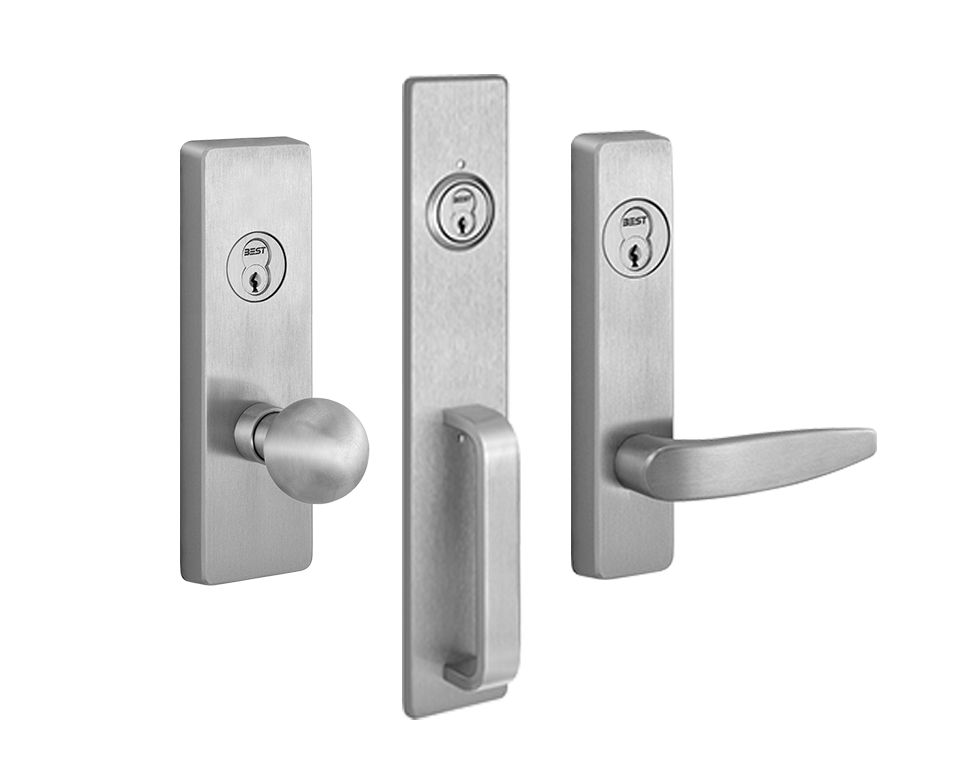
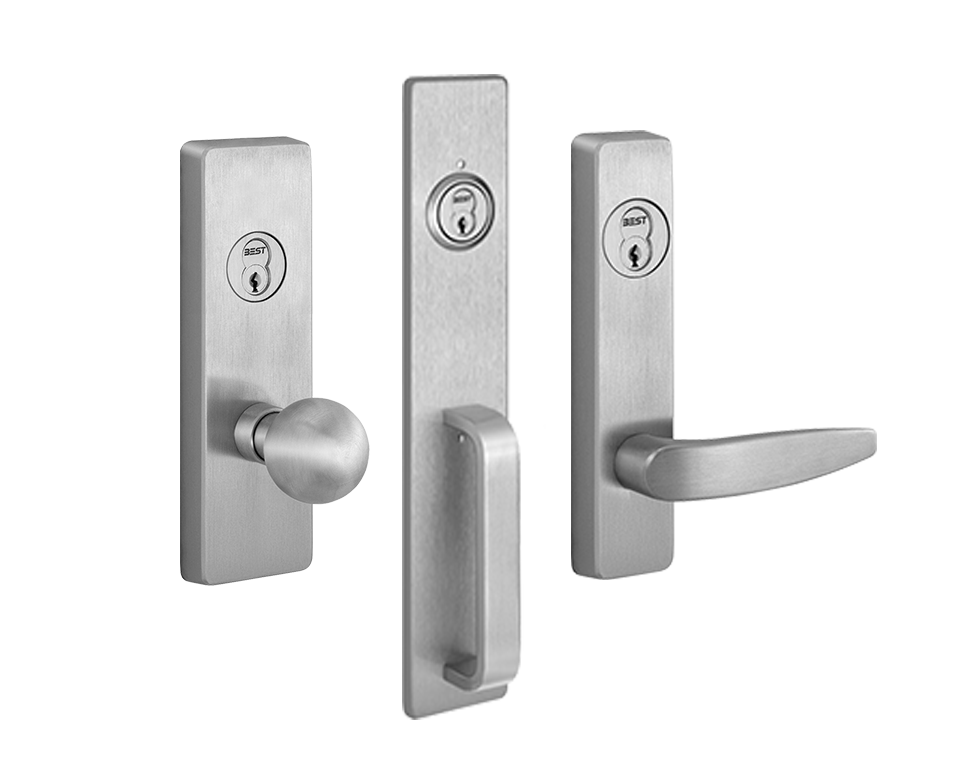
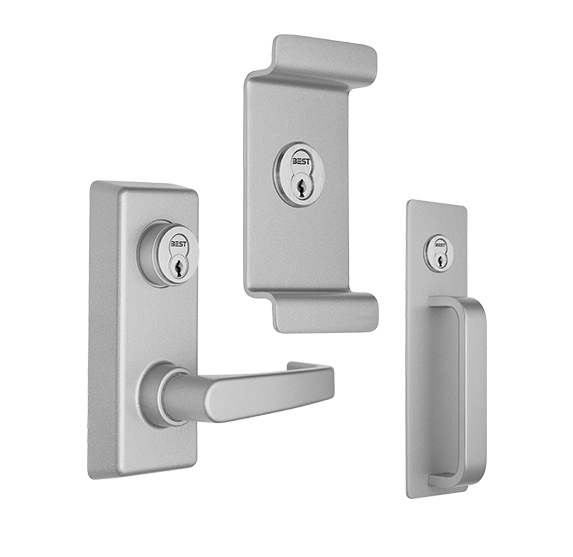
100/200/300 Exit Trims
View- Field reversibility for easy installation
- Variety of finishes and trim styles
- Vandal resistant trims
+
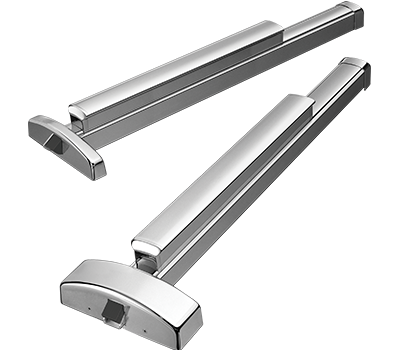
Precision 2000 Series
View- Heavy duty exit device
- Smooth operation with minimal need for maintenance
+

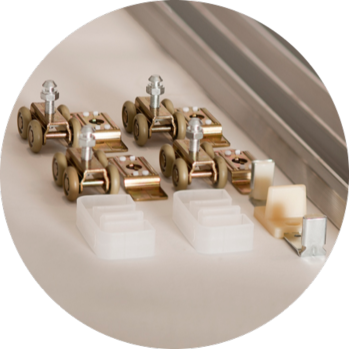
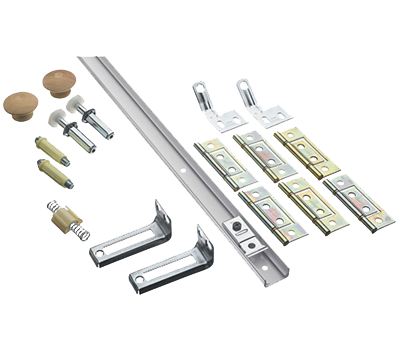
BEST offers a quality line of bi-fold, bypass and pocket door hardware. Built with exacting standards, these types of hardware are used on doors that open and close without the use of door hinges. Every product is carefully designed with features that make it more functional and easy to maintain.
BEST offers additional lock solutions for more atypical access control situations. See if BEST has the lock security solution that you need.
L Series
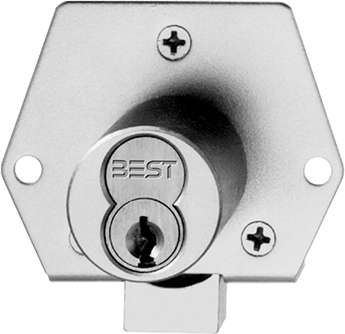
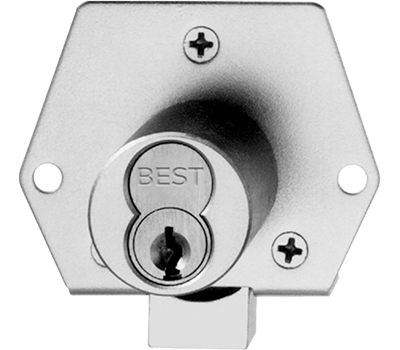
View- Cabinet locks made to secure storage spaces
- Suitable for applications from office furniture to safe deposit boxes
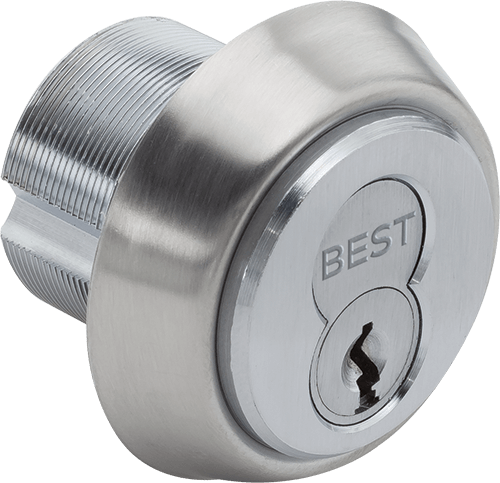
E Series
View- Mortise and rim cylinder utility locks with a BEST interchangeable core
- Can be altered to function with locks from other manufacturers
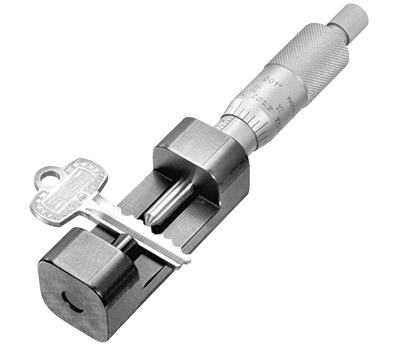
D Series
View- BEST Key Core Combinating Equipment
- All the tools you need to combinate BEST cores and create keys
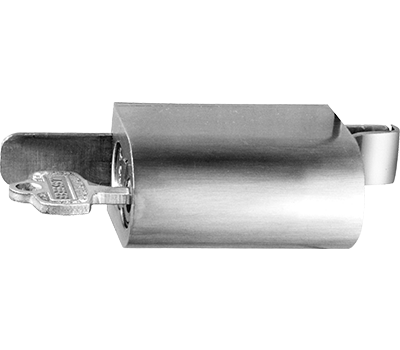
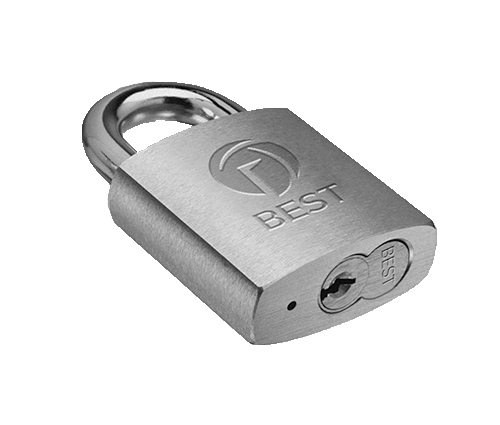
Miscellaneous
View- Locks for semi-trailers, filing cabinets, sliding doors and more
- KRD Key Retaining Device for masterkey retention and security
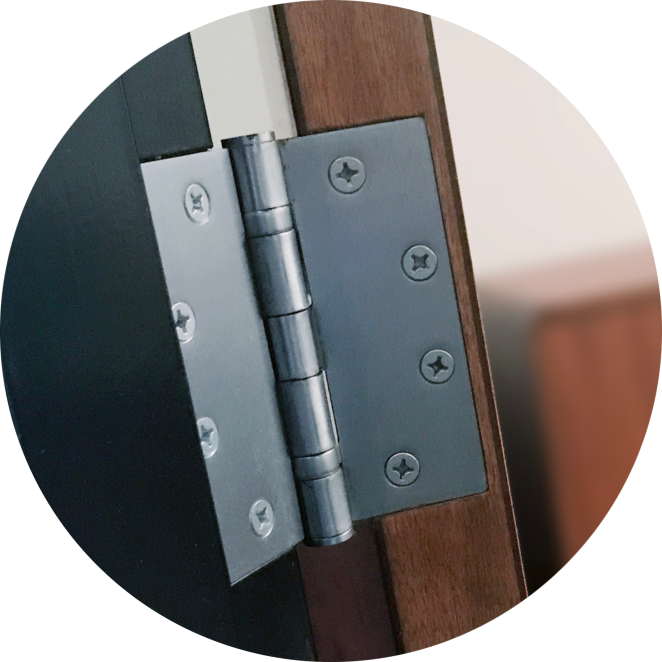
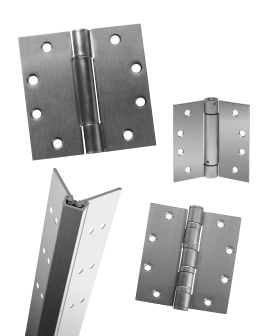
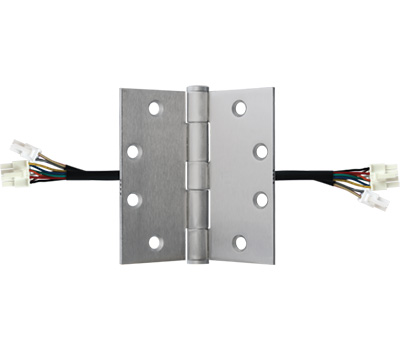
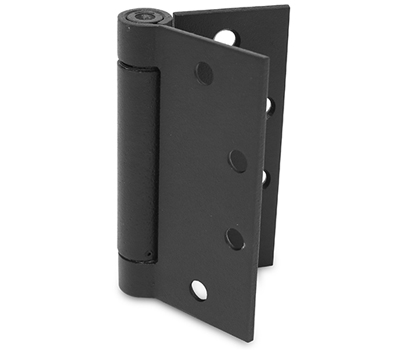
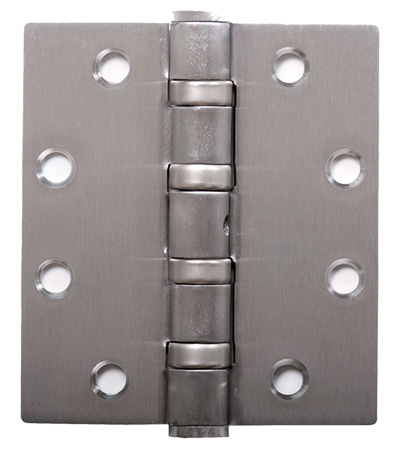
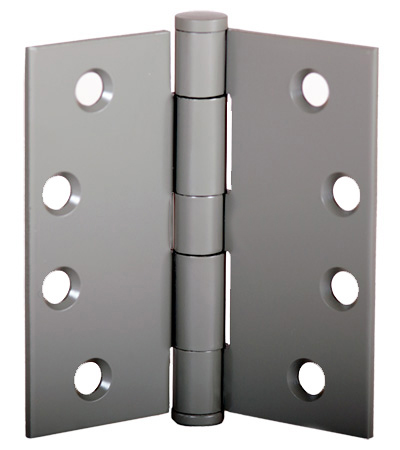
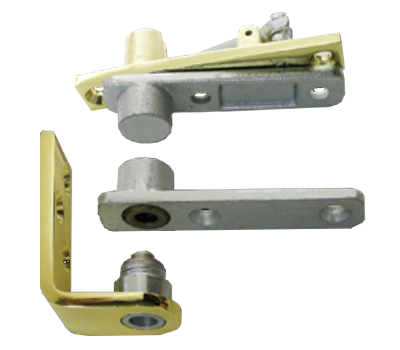
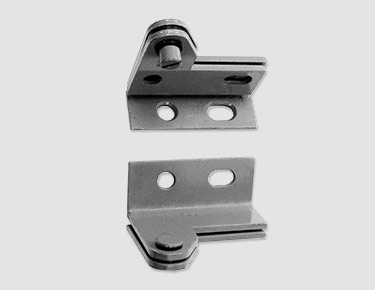
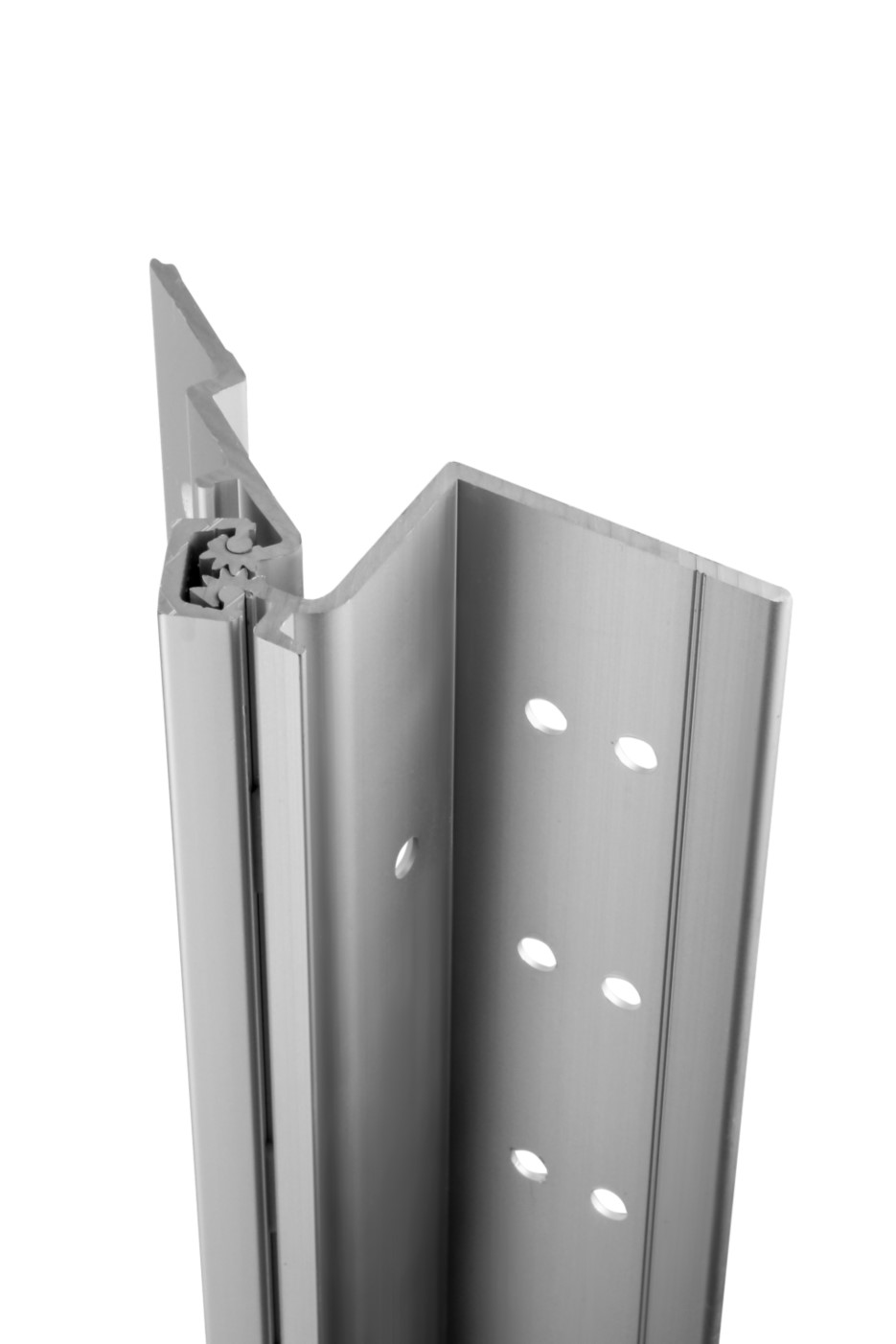
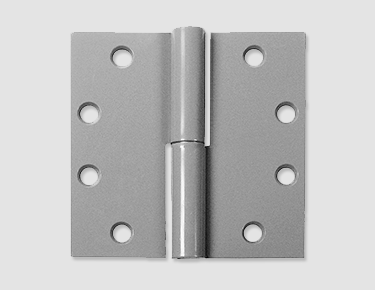
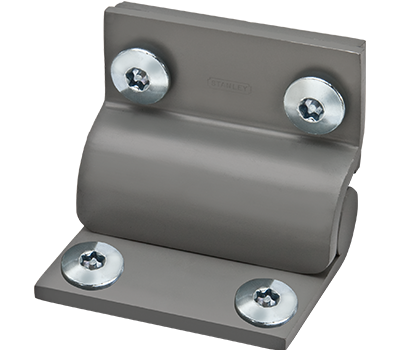
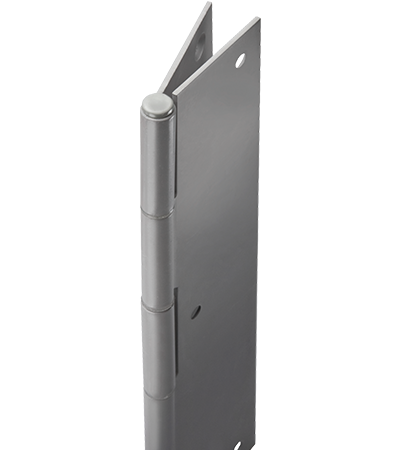
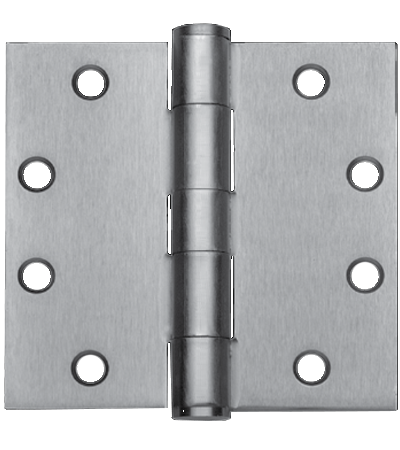
A door’s safe and reliable operation depends on the performance of the hinge system. Throughout our history, we have been designing, manufacturing and delivering high-quality commercial hinges. From ball bearing and concealed bearing, to spring and continuous styles, we offer hinges that fit your specific door, frame and wall application.
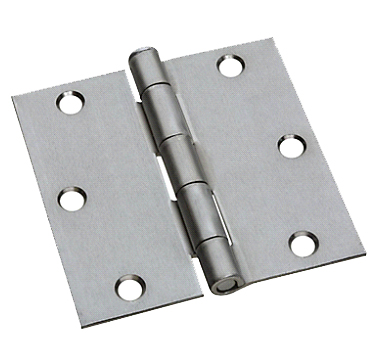
Residential Hinges
View- Available In a number of sizes and hardware finishes
- Available in square and radius corner
- Non-handed so they can be used on both RH and LH doors
- Available in Full Mortise Light Weight only

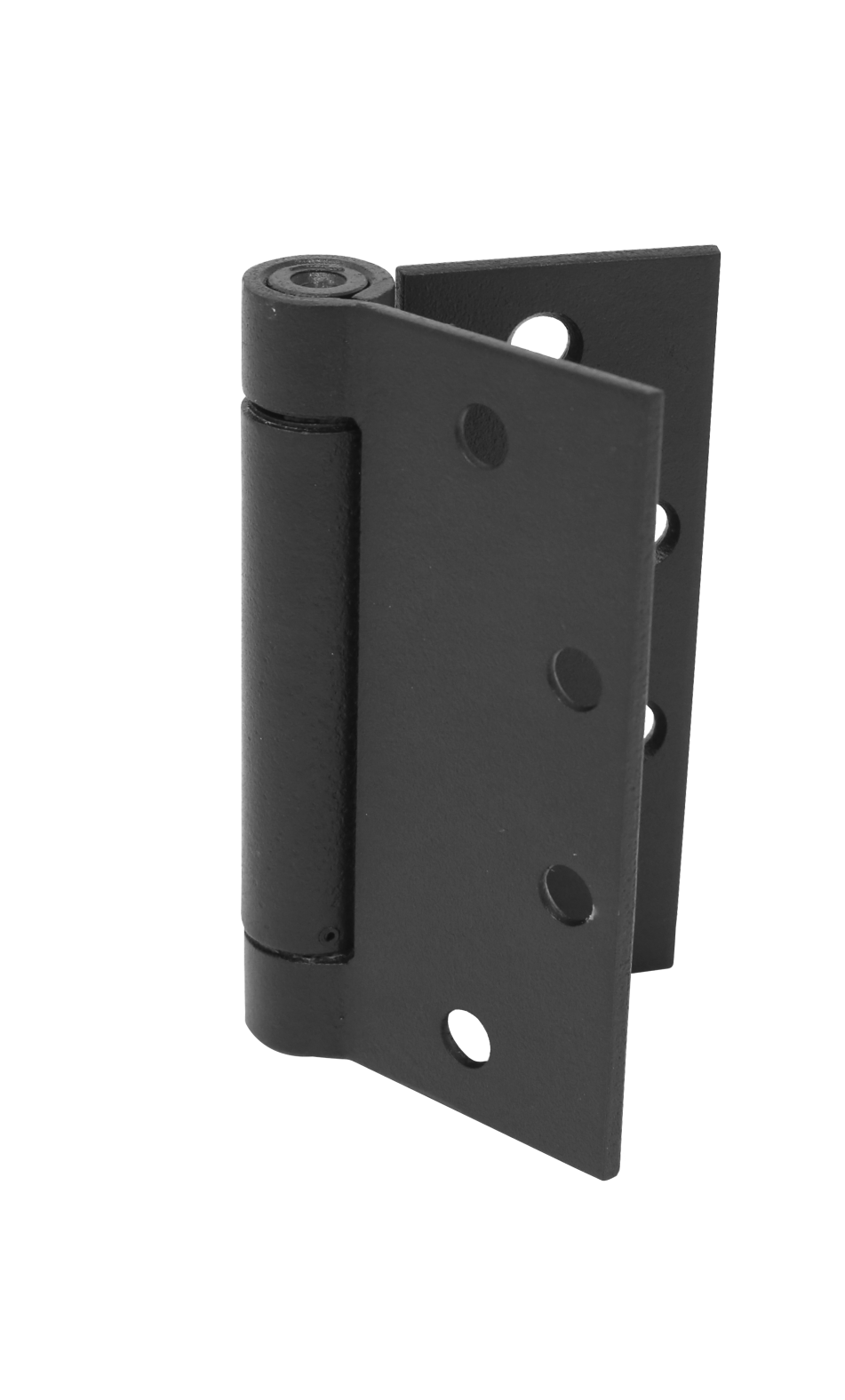
Quickshim Hinges
View- Full-mortise, half-mortise, half-surface and full-surface options, in a wide range of sizes and finishes, for any door/frame/wall application
- Constructed with durable bearings and high-quality materials for long-lasting maintenance-free operation